How to Make an Offer.
To make an offer on a property with Bayzos, simply follow the steps below. Please ensure you read all the steps carefully before submitting your offer to avoid any delays.
Once our team verifies your offer, we will present it to the homeowner. As soon as they reach a decision, we will update you.

Street Portal & App.
You should, by now, have your own Street portal. The portal is where all official offers are made. If you haven’t set it up yet, simply click the link below to create your portal but only after you have read all the steps for making an offer. There is also an app available for easy access.
Select the property.
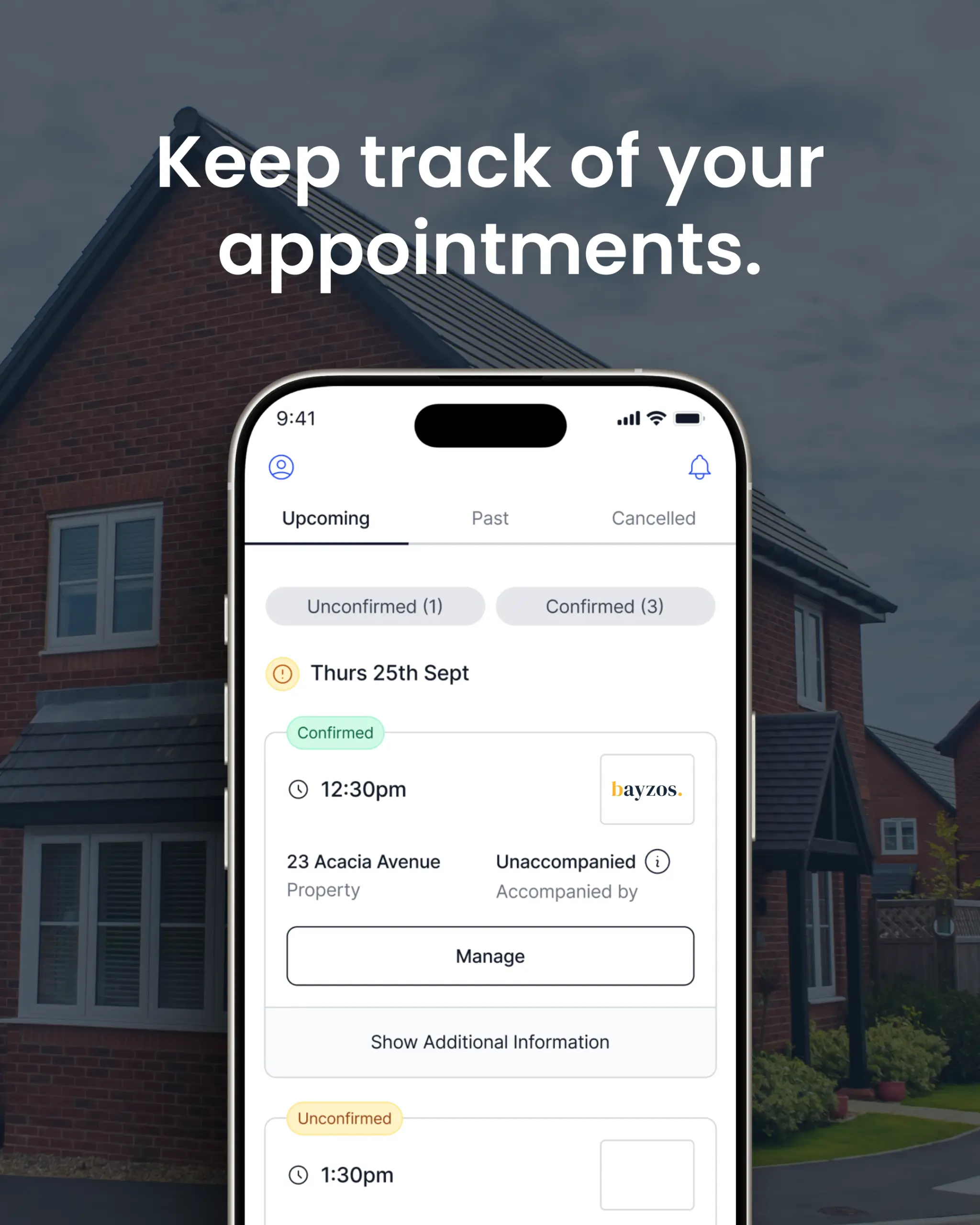
Once you are in the portal, navigate to the property you wish to make an offer on. Double-check that you are selecting the correct property, especially if you have viewed two properties on the same road, to avoid any delays.
Make an offer.
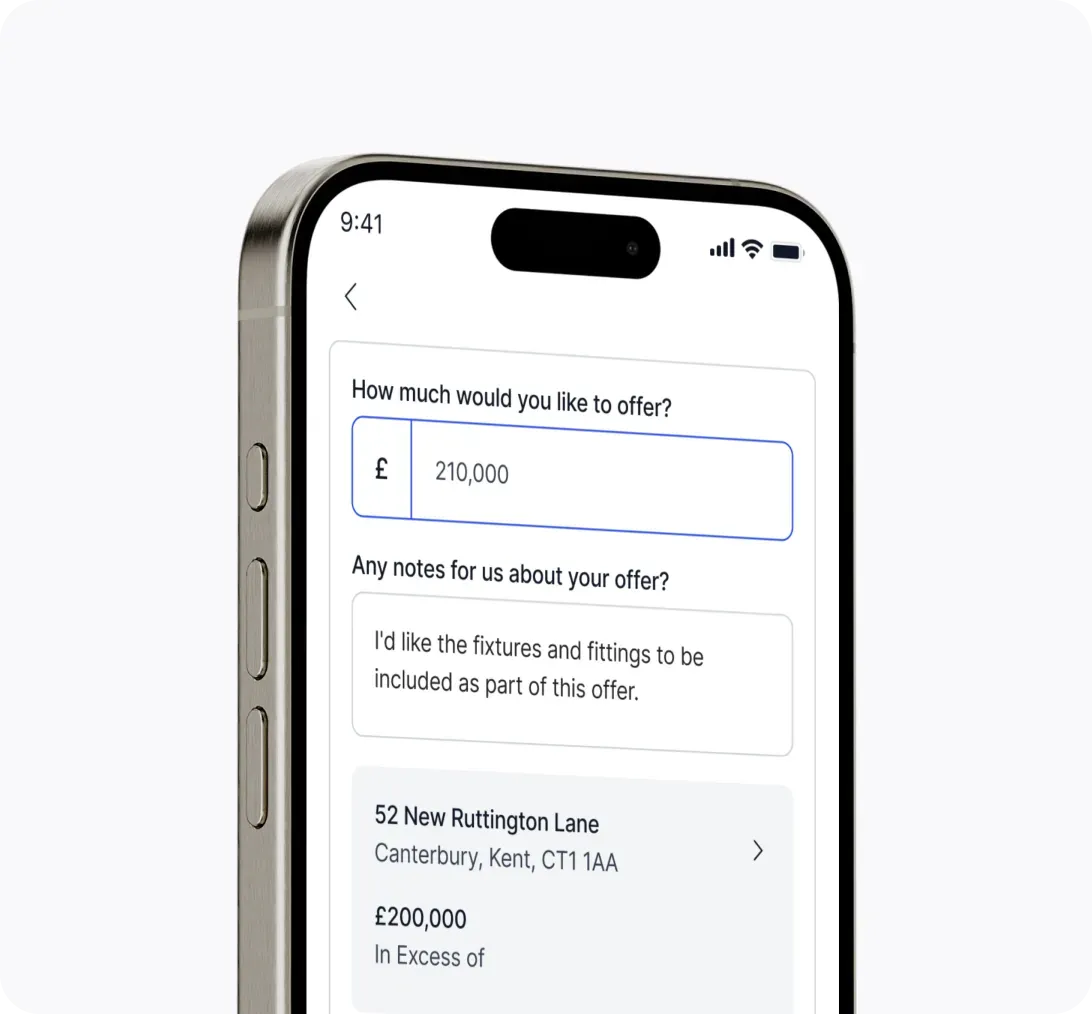
Under the property, you will see the option to “Create Offer” or “Make an Offer”. Please take your time completing this step and double-check that the offer you are submitting is correct.
Under “Notes”, please include any conditions related to your offer, such as timeframes or items you would like to be included.
Complete tasks.
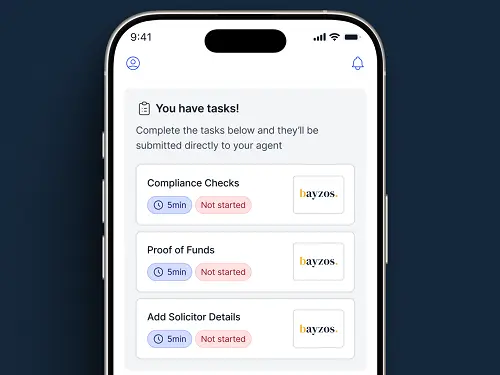
Once you have submitted your offer, please ensure you complete the necessary tasks by returning to the “Overview” section. You will need to complete the “Proof of Funds” task, and there may be additional tasks to complete. If not immediately visible, further tasks, such as “Compliance Checks” and “Add Solicitor Details”, will appear if your offer is accepted.
Ready to make an offer?
Found a property you’re interested in? Let’s put forward an offer and help secure it for you.